
Powerful SEO, built right into Junie Website Builder
You publish once. Junie handles technical SEO, meta, schema, redirects, performance, and AI-answer readiness automatically.
Everything you need to optimise pages, blogs, landing pages, and product sites lives inside the editor.
Configure search. Ship structure. Rank without plugins, extensions, or technical setup.
Page-level SEO controls
Set and manage SEO directly from the editor, without code.
Variables like {{title}}, {{category}}, and {{author}} fill metadata automatically for CMS pages.
All changes update live in preview so you always know how your page will appear in search.
Automatic metadata for CMS content
Blog posts, resources, and product updates come with dynamic SEO fields.
Structured data built into every page
Junie generates clean JSON-LD automatically for
Search engines and AI crawlers get the full context they need, without any schema plugin.
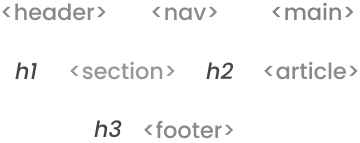
Semantic HTML in every template
Blog posts, resources, and product updates come with dynamic SEO fields.
Accessibility improves. Search understanding improves. You don’t touch code.
Sitemaps and robots.txt on autopilot
Junie website builder keeps your website crawlable
without manual setup.
You never submit or upload anything. Junie handles it
rename, or delete pages
automatically

Redirects that
protect rankings
When you change a URL, Junie automatically creates a 301 redirect.
When you remove a page, you can mark it as 410 Gone so it clears from search.
No broken links. No ranking loss during redesigns.
Sitemaps update instantly when you publish, rename, archive, or delete a page.
Robots.txt stays valid for every environment (staging, live, password-protected).
You never export or upload a sitemap.
Junie sends it to crawlers automatically.
Automatic sitemaps
and robots.txt
Core Web Vitals by default
Image compression + WebP
Lazy loading
Optimised responsive images
Font preloading
Clean CSS and deferred scripts
Smooth layout for CLS stability
Your site loads fast and passes modern ranking requirements.

SEO Analytics inside Junie
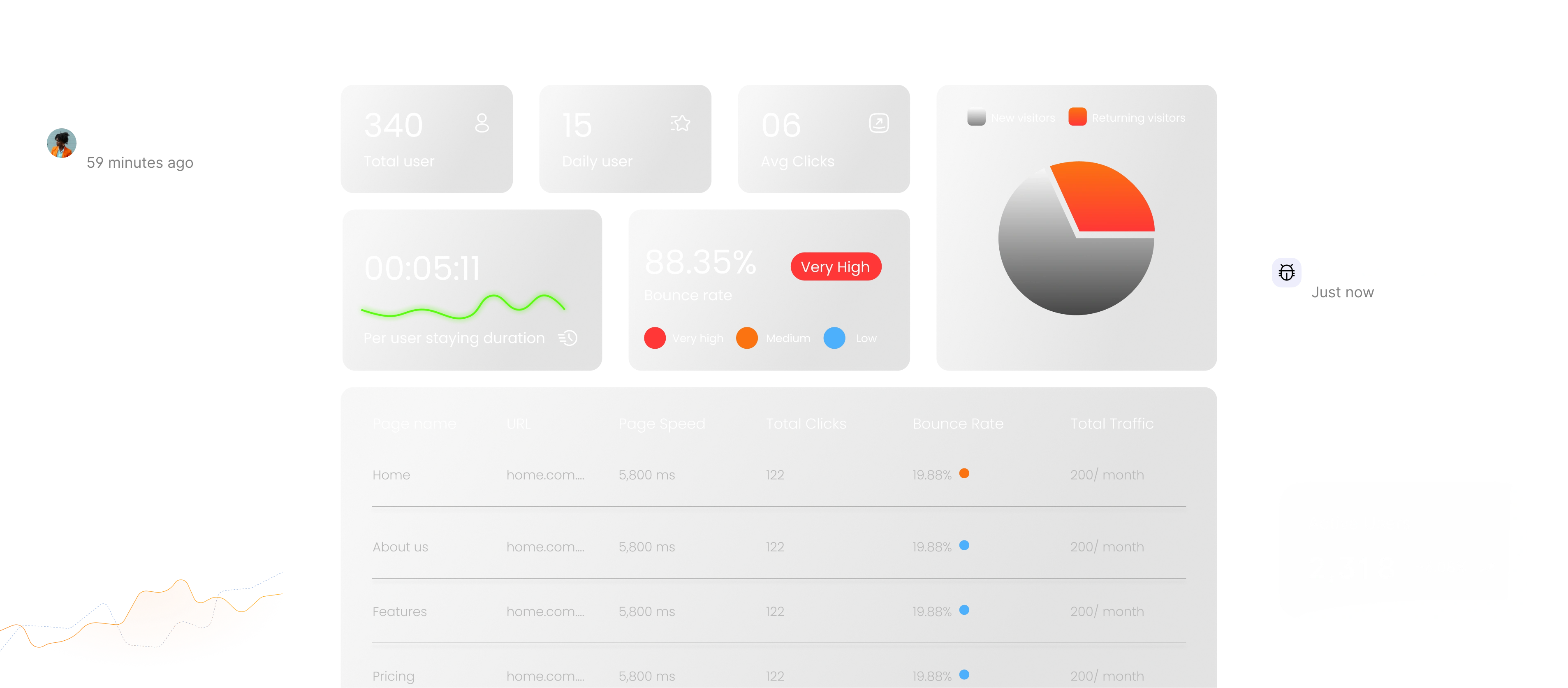
Everything you optimise is measurable inside the dashboard.
Project-level metrics
Total users
Daily active users
Average clicks per user
Returning vs new visitor breakdown
Bounce rate with severity indicator
Average session duration
Page-level insights
Page speed
Monthly traffic
Total clicks
CTR indicator
Bounce rate per page
High-performing vs low-performing pages
Indexed vs non-indexed pages
SEO readiness score
No external scripts, no Google Analytics setup.
Junie tracks performance natively.
Full control when you need it
Nothing is locked. Everything is editable.
- Per-page SEO panel
- Custom canonical links
- Manual schema injection
- Social share overrides
- No-index / no-follow toggles
- Password-protected pages